


 CURRENT OFFERS

 VIEW INVENTORY

 BUILD & PRICE

 REQUEST DEALER PRICING


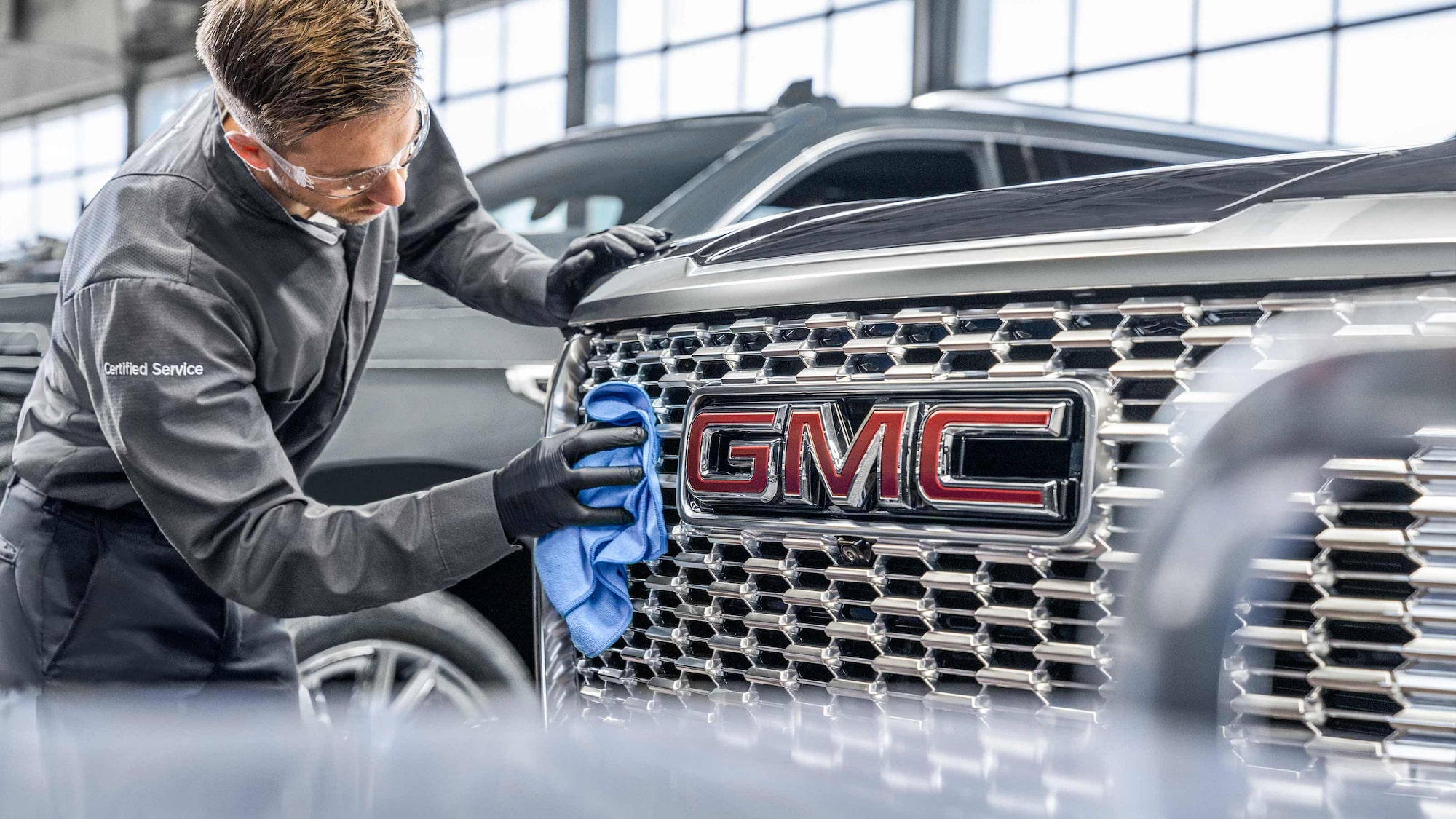

TROUBLESHOOTING ADAPTIVE CRUISE CONTROL
If your vehicle has this available feature,
WHY ISN’T ADAPTIVE CRUISE CONTROL WORKING?
Adaptive Cruise Control is a different kind of cruise control. Instead of keeping your vehicle at a set speed, it’s designed to help keep a set distance between you and the vehicle in front of you. That distance is called the “following gap.”
On some vehicles, Adaptive Cruise Control uses your vehicle’s forward-looking camera and radar sensors to detect vehicles directly ahead of you. That’s how it can speed up and slow down your vehicle to maintain the following gap you select.
On other vehicles, Adaptive Cruise Control will use either just the camera or just a radar to detect vehicles ahead. The feature will work the same either way. The only thing that changes is what sensors you might have to clean in case they get dirty.
The Adaptive Cruise Control camera is located behind the windshield in front of the rearview mirror. It’s important to keep the windshield clean for the camera to work properly. On some vehicles, the feature also uses radar sensors located in the front grille or bumper. Keep these areas of the vehicle clean to help make sure the feature works properly. Read your Owner’s Manual for cleaning instructions.
Some things that can keep your Adaptive Cruise Control from working properly:
- Bad weather that affects road visibility
- Moisture on the inside or outside of the windshield
- Blocked or dirty radar sensors or cameras
- Poor lighting
- Vehicles being followed that have unusual shapes
HOW CAN I TELL IF I'M IN ADAPTIVE CRUISE CONTROL OR REGULAR CRUISE CONTROL?
If you see this icon, you’re in regular cruise control.
If you see either of these icons (depending on your vehicle), you’re in Adaptive Cruise Control.
On some vehicles, you can switch between Adaptive Cruise Control and cruise control by pressing and holding the Cruise Control button.
On older vehicles, press and hold the Cancel button to switch between modes.
SAFETY CONSIDERATIONS WHEN USING ADAPTIVE CRUISE CONTROL
- The system can only brake so much. Your complete attention is always required while driving.
- Adaptive Cruise Control does not steer your vehicle. You must always be in control of vehicle steering.
- The system may not react to parked, stopped or slow-moving vehicles. You should always be ready to take action and apply the brakes.
- Don’t use the system on winding or hilly roads, on freeway exit or entrance ramps, or when trailering (if your vehicle isn't equipped with Adaptive Cruise Control with trailering). In these driving conditions, the system may not detect the vehicle ahead.
- The system can’t detect traffic lights or traffic signs, so you still need to brake when necessary at intersections and lights.
- Avoid using Adaptive Cruise Control when the rear of the vehicle or truck bed is heavily loaded. See your Vehicle Load Limits and Owner's Manual for more information.
RELATED LINKS AND RESOURCES
How to Use Adaptive Cruise Control
Our support search experience is powered by an AI assistant.
For your security, please don’t include personal info such as phone number, address or credit card details.
NEED MORE HELP?
Submit a support request to get answers to your vehicle questions about over-the-air software updates, driving and safety features, Wi-Fi issues and more.
For information specific to your vehicle, please refer to your Owner’s Manual.


