CURRENT OFFERS

 VIEW INVENTORY

 BUILD & PRICE

 REQUEST DEALER PRICING



TROUBLESHOOTING ISSUES WITH SUPER CRUISE®
If equipped, Super
If your vehicle has this feature and you are not able to turn it on, here are some possible reasons it may be unavailable.
DO THIS FIRST
First, make sure you have an active OnStar service plan or trial on your GM account. Check the My Account section of gmc.com or your vehicle’s mobile app to see if you have a OnStar service plan or trial.
Once you confirm you have an active OnStar service plan or trial, confirm you’re on a compatible road, all system conditions are met, and you are following the correct steps to turn on Super Cruise.
WHEN CAN I USE SUPER CRUISE?
You can only use Super Cruise with properly equipped vehicles on the over 600,00 miles of compatible roads in North America that have been mapped out by GM. See here for a map of compatible roads.
Note: Chevrolet Bolt EUV, Cadillac XT6 and Cadillac CT6 are not eligible for the full road expansion and total network of roads.
A few other conditions have to be right for Super Cruise to work:
1. Your vehicle’s cameras have to be able to detect lane markings.
a. Weather conditions or dirt and mud can make it hard for the cameras to see lane markings.
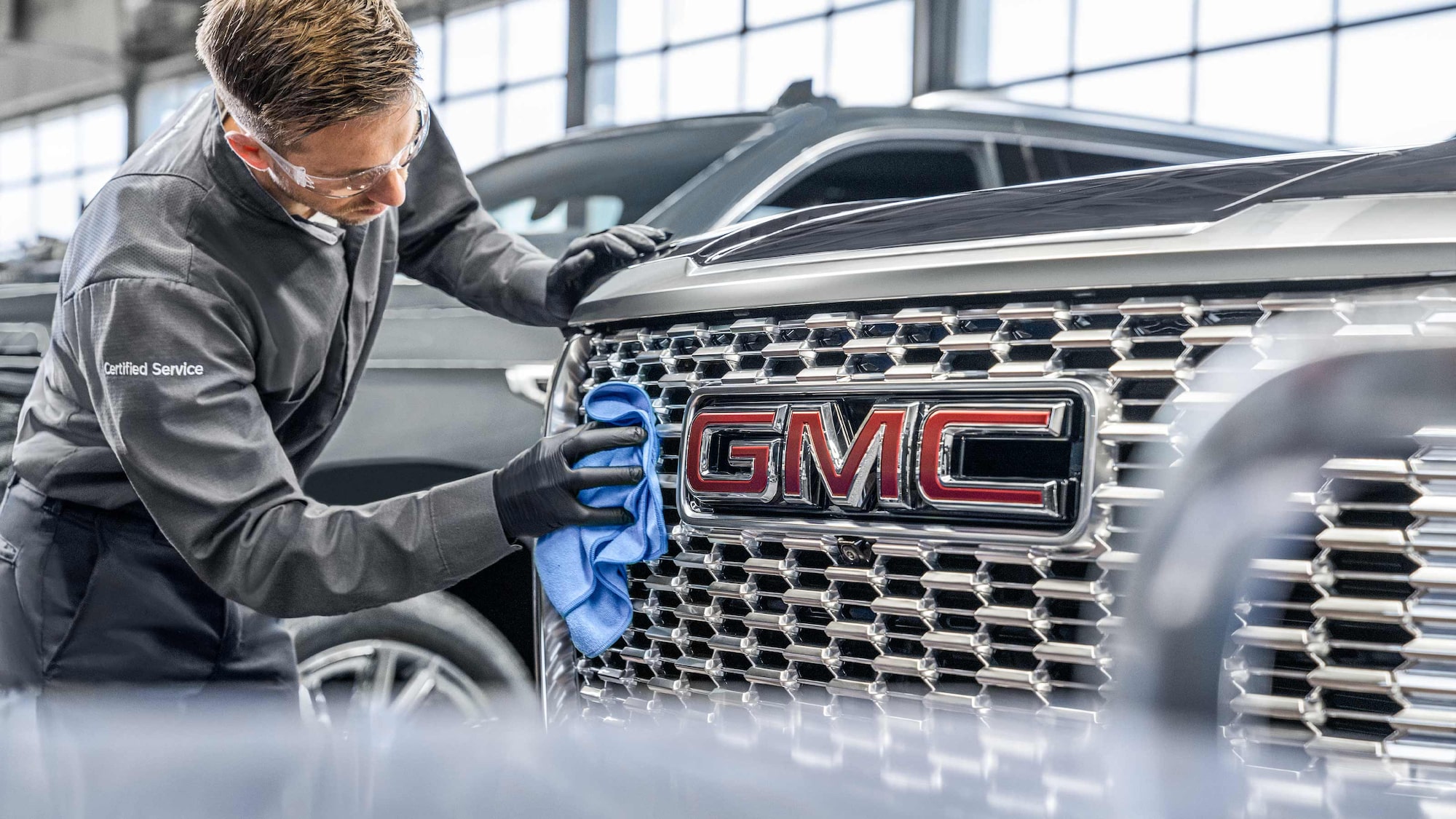
b. Make sure the Super Cruise cameras and radars are clean.
c. Your Owner’s Manual can tell you where they are on your vehicle in the “Driving and Operating” section under “Advanced Driver Assistance Systems.”
2. The GPS system must be available.
Hands-On Steering Assist
- Hands-On Steering Assist is designed to help keep your vehicle centered in the lane while Adaptive Cruise Control
† manages your desired speed and following distance from the vehicle ahead of you. - Hands-On Steering Assist is available
on select 2026 and 2027 Super Cruise-equipped models and can be used on most roads with visible lane markings. - It provides hands-on driver assistance when Super Cruise hands-free compatible roads are unavailable.
- You can turn Hands-On Steering Assist on or off in the Settings menu under “Vehicle” → ”Lane Centering Assistance.”
- You’ll see the Hands-On Steering Assist icon in your driver display letting you know the feature is working.
a. If the icon is white, the feature is enabled, but isn’t centering your vehicle in the lane. - If the system detects you aren’t paying attention to the road or you take your hands off the wheel, it will alert you.
- If Hands-On Steering Assist is toggled on when you enable Super Cruise, it will enable Hands-On Steering Assist if you’re not on a hands-free driving compatible road.
- Hands-On Steering Assist only works if:
a. Your seat belt is buckled.
b. You’re on a road with painted and detectable lane markings.
c. Adaptive Cruise Control is engaged.
d. Super Cruise is enabled.
e. Your hands are on the wheel.
f. The system detects you’re paying attention to the road.
The hands-on icon will turn green when the feature is keeping your vehicle centered. Never let go of the steering wheel unless you see the Super Cruise light bar light up green.
WHY CAN’T I USE SUPER CRUISE?
Super Cruise will tell you if it’s not available or has to turn off based on road conditions.
1. Press and hold the Super Cruise button on the steering wheel to see messages about the system in your driver display.
2. If the Super Cruise icon does not show up, a message will explain why. You can also press and hold the Super Cruise button to see a message about why the system is unavailable.
3. You may see a message that just says “Super Cruise Unavailable.” This can happen when the system experiences an error or loses connection.
4. See your Owner’s Manual for a detailed list of the messages you might see in the driver display and what to do if you see them.
For your security, please don’t include personal info such as phone number, address or credit card details.
RELATED LINKS AND RESOURCES
Q&As
Our support search experience is powered by an AI assistant.
NEED MORE HELP?
Submit a support request to get answers to your vehicle questions about over-the-air software updates, driving and safety features, Wi-Fi issues and more.
For information specific to your vehicle, please refer to your Owner’s Manual.